
Your policy, in your pocket.
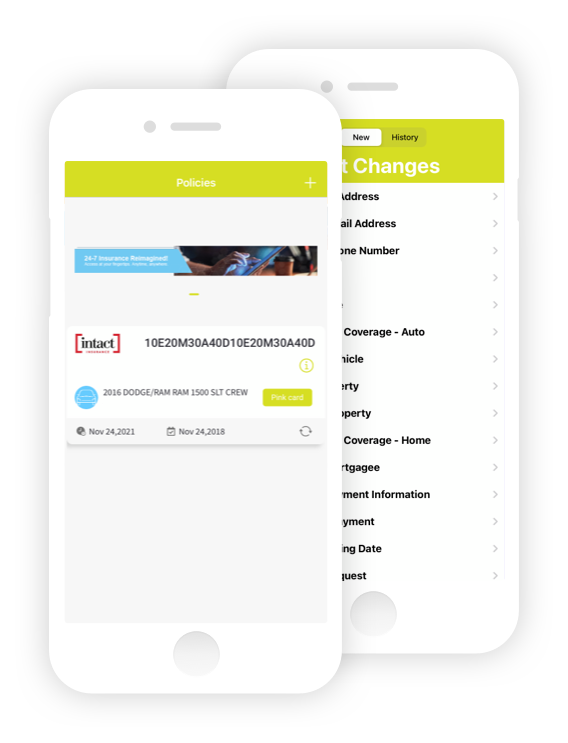
Thank you for choosing our self-serve online portal. As a McCAM client you have access to your home and auto policies right when you want them — make changes, read your policy info and more, any time you want, 24/7.
What you'll need to create your account.
If you experience any problems please contact your customer service representative, or check the FAQ section on the front login page of mymccam.com.
Please note: it may take up to 48 hours for all your policies to appear on the portal the first time you sign in.
Have the following details on hand before you register for the first time
- directions_carYour automobile policy number
- cakeYour date of birth
- badgeYour driver's license number
- mailYour email address
- passwordAn eight-digit password containing numbers, letters, and capital letters
Download the McCAM app.
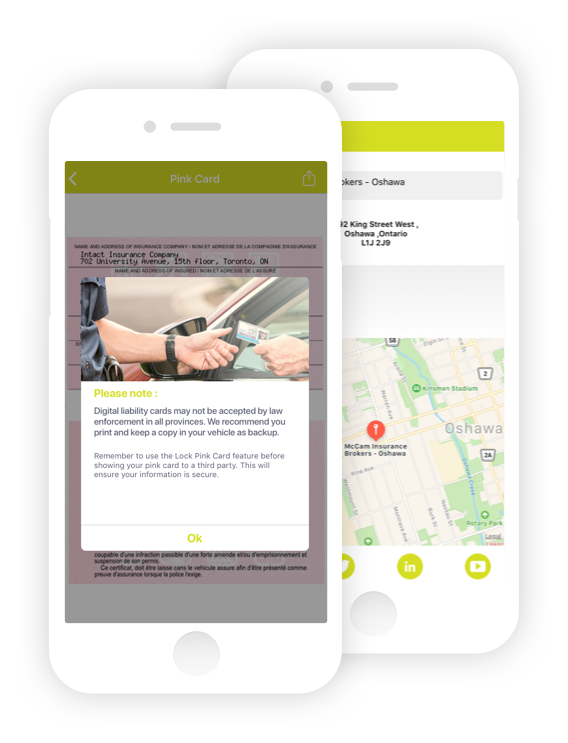
We also have a mobile version of MyMcCAM, free to download. Use the same email and password you set up for your online access to sign in to the app.
Links to download depend on your device:
Need a hand?
If you experience any problems, please contact your customer service representative, or check the FAQ section on the front login page of the portal.
For the best experience, the portal works best on Google Chrome.